An AI agent course should not begin by asking every participant to build an autonomous system.
It should begin with one repeated business process.
The team needs to understand the inputs, decisions, tools, risks and approval points before an AI system is allowed to carry out several steps on its behalf.
That foundation is what makes agentic AI useful rather than impressive for ten minutes and unreliable afterwards.
The quick answer
A practical AI agent course for business teams should teach participants to:
- Choose a process that may benefit from an agent.
- Map the steps, decisions and failure points.
- Write clear instructions and supply the right context.
- Connect only the tools and data the process needs.
- Add permissions, checkpoints and handoffs.
- Test normal cases, edge cases and failures.
- Assign an owner who will monitor and maintain the workflow.
The final output should be one tested agent or agent-ready workflow with a clear human control model.
What is an AI agent?
An AI agent is a system that uses a model to manage a workflow and take actions through tools.
OpenAI’s practical guide describes three basic components:
- A model that reasons and makes decisions.
- Tools that let the system read information or take action.
- Instructions and guardrails that define how it should behave.
That is different from a normal chat response.
| System | What it does | Example |
|---|---|---|
| AI chat | Responds to the current request | Draft an email from notes |
| Saved workflow | Repeats a known sequence with human input | Turn meeting notes into actions using a fixed template |
| AI agent | Decides how to move through several steps and uses tools within defined limits | Read approved meeting notes, draft actions, check owners, and prepare tasks for review |
Key takeaway: Not every workflow needs an agent. If fixed rules can handle the task reliably, use the simpler system.
Where agents sit on the wider adoption path is mapped in the 4 stages of AI maturity: most teams should be solid at saved workflows before granting autonomy.
The seven steps in detail
Here is what each step should look like in a practical course.
1. Choose the process before the platform
The first question is not “Which agent tool should we use?”
It is “Which repeated process is difficult enough to benefit from judgement, but safe enough to test?”
Good early candidates have:
- A clear beginning and end.
- Repeated inputs.
- Several connected steps.
- A result that a person can review.
- Limited and reversible actions.
- An owner who understands the work.
Examples include preparing a weekly report, organising an onboarding pack, qualifying support requests, compiling proposal inputs, or turning approved research into a draft campaign brief.
Avoid starting with hiring decisions, legal conclusions, unrestricted payments, live advertising budgets, safety decisions or anything else where a bad action creates immediate harm.
2. Map the workflow in plain language
Before building, participants should write down:
- The input.
- The desired output.
- The steps between them.
- The decisions that require judgement.
- The systems or files involved.
- The points where a person should review or approve.
- What the system should do when it is uncertain.
This map exposes whether the problem needs an agent, a saved workflow, a normal automation or a better checklist.
It also gives the team something concrete to test.
3. Teach instructions and context separately
Instructions tell the agent what to do. Context gives it the information needed to do the job well.
A course should teach participants to keep these separate.
Instructions may include the objective, steps, output format, limits and escalation rules. Context may include company information, policies, customer facts, product notes, examples and current records.
When everything is buried inside one long prompt, the system becomes hard to update and harder to inspect.
A useful course shows participants how to organise both parts so another person can understand what the agent knows and why it acts.
4. Connect the minimum number of tools
Tools let an agent do useful work. They also create risk.
A tool may read a folder, search a knowledge base, create a draft, update a record, send a message or trigger another system. Each permission changes what can go wrong.
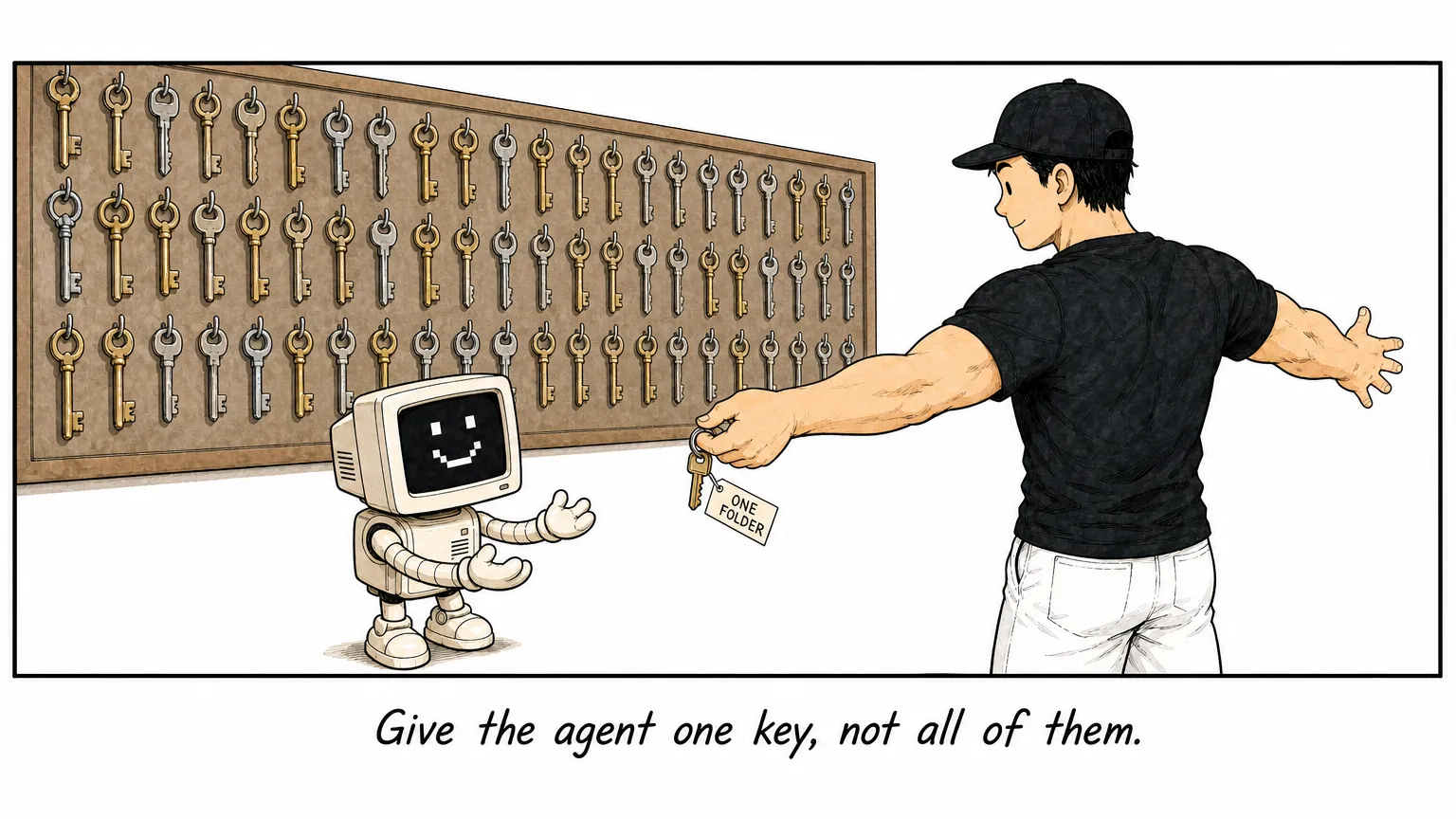
Start with the smallest useful access:
- Read before write.
- Draft before send.
- One folder before the whole drive.
- One approved database before every company system.
- Human confirmation before an irreversible action.
The participant should be able to explain why each connection exists. If a tool is not needed for the selected process, leave it out.
5. Build checkpoints and handoffs
An agent should know when to stop.
The course should cover at least four control points:
- Permission: what the agent is allowed to read and change.
- Approval: which actions require a person to confirm.
- Escalation: when uncertainty or missing information must be handed back.
- Record: what evidence is kept so the action can be reviewed.
These controls should be visible in the workflow, not left as a verbal promise from the trainer.
6. Test failures, not only the happy path
Many demos use a perfect input and stop after the first successful run.
A business course should test:
- Missing fields.
- Conflicting instructions.
- An outdated source.
- A file the agent cannot access.
- A result below the required confidence or quality.
- A tool that fails.
- A request outside the approved scope.
Participants should define the expected response for each case. The correct response may be to stop, ask a question, produce a draft, or hand the task to a person.
Reliability comes from knowing how the system fails.
7. Assign ownership after the course
An agent is not finished when the demo works.
Someone must own the instructions, context, permissions, tests and review schedule. That person should know which product changes could affect the workflow and where usage evidence is recorded.
The team also needs a simple retirement rule. If the process changes, the source becomes unreliable or the agent repeatedly needs correction, pause it until the workflow is updated.
What should participants build?
For a business-focused AI agent course, I would expect each participant or pair to leave with:
- One process map.
- One agent or agent-ready workflow.
- A separate instruction file and context set.
- A list of connected tools and permissions.
- Human approval and escalation points.
- A test set covering normal and failure cases.
- An owner, next run date and review rule.
This is enough to create working capability without pretending every business task should run autonomously.
Questions to ask an agentic AI training provider
- Will participants start from a business process or a product demo?
- How will the course decide whether an agent is actually needed?
- What actions can the training system take?
- Which permissions are used during the course?
- Where does human approval remain?
- How are failures and uncertain outputs tested?
- What records are kept for review?
- Who owns the workflow after the course?
- What can participants run again without the trainer?
If your team is not ready for an agent yet, that is useful information. Build the repeated workflow first: a good two-day AI for Business course covers exactly that. Add tools and autonomy only when the process is understood.
When comparing providers, use the nine questions for choosing an AI trainer in Malaysia to inspect the course design, data handling, participant outputs and follow-through.
See the AI Mastery for Business training programme to build that foundation. You can also choose a first process from these 15 practical AI workflow examples for business teams.