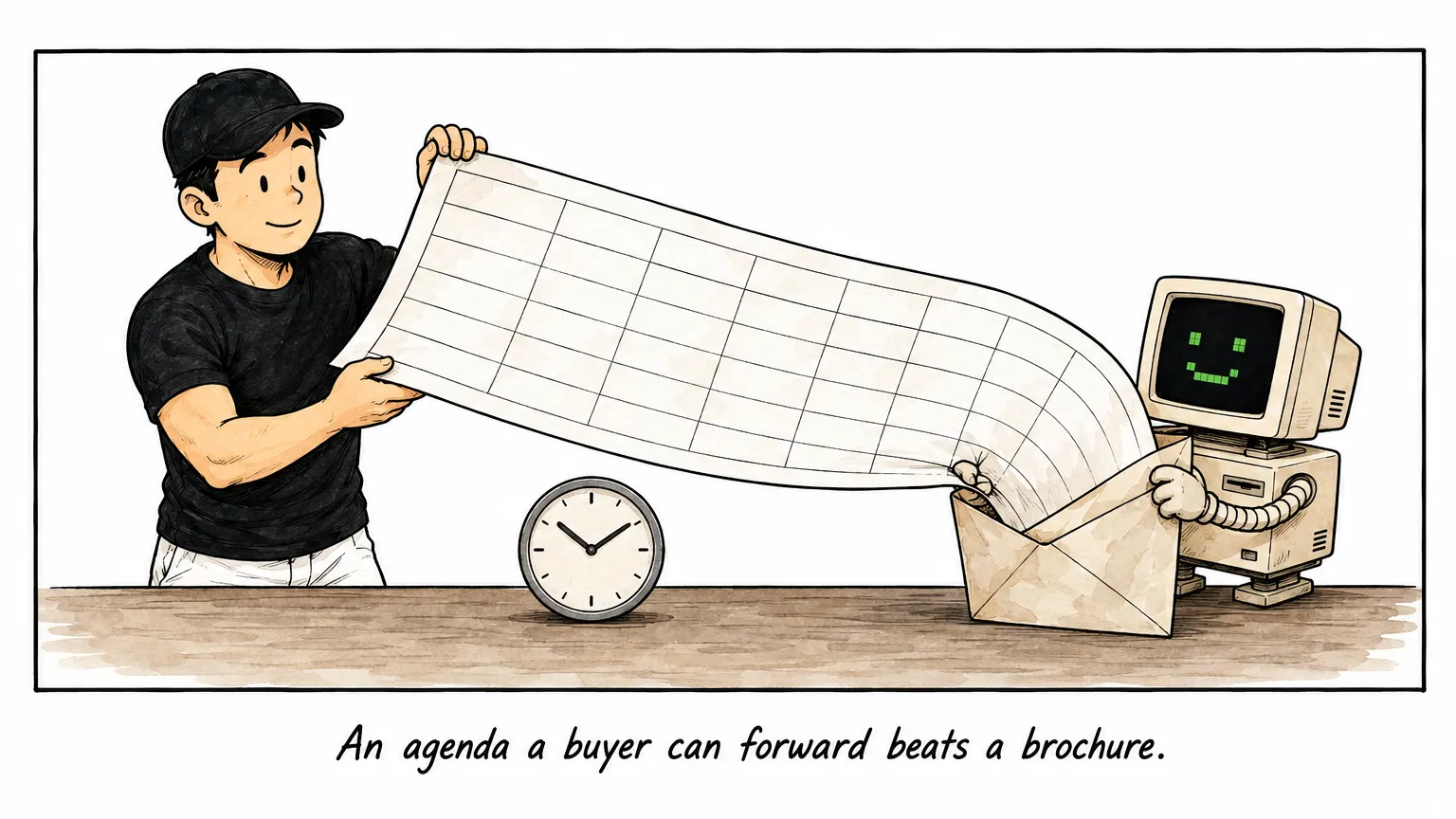
Most buyers do not ask what a course covers. They ask for the agenda.
The request usually arrives word for word: kindly provide the learning objectives, suggested activities, and proposed agenda. It shows up after a good discovery call, when someone has to forward a document to an approver I will never meet.
So here is the agenda I run for AI Mastery for Business, block by block, with what participants do and what they keep.
Forward it, or use it as the benchmark for whoever else you are comparing.
The quick answer
Two days, 14 hours, no prerequisites, HRD Corp claimable. Breaks run 15 minutes mid-morning and mid-afternoon, with lunch from 12:30 to 1:30.
| Day | Objective | What exists at 5:30pm |
|---|---|---|
| Day 1: get capable | Each person can brief the tool, load company context, and save a workflow | One saved Skill per person, plus the context files it reads |
| Day 2: get leverage | Each person turns that capability into one thing that solves a real problem | A working Skill or app, demoed, with an owner and a next run date |
I have already written the argument for what a two-day AI for Business course should cover. This is the timetable underneath it, which is the version a buyer can actually scope and cost against.
Day 1: get capable
By the end of Day 1 each participant can run the agreed AI tool, brief it with role, context, task, format, and audience, build reusable context files, and save one repeated task as a named workflow tested on fresh input.
| Time | Block | What participants do | Output they keep |
|---|---|---|---|
| 9:00-10:30 | Introduction | Get the AI tool running on every laptop, pick the one repetitive process each person wants handled, and learn the prompt formula: role, context, task, format, audience | A working setup and one named process each |
| 10:45-12:30 | Tools | Quick wins across documents, messages, spreadsheets, and simple reports, before anything is formalised | First drafts produced from their own material |
| 1:30-3:00 | Context | Build the reusable context files: company profile, customer profile, offer and service notes, voice examples. Re-run a morning quick win with context loaded and compare | Company Kit files that future runs read |
| 3:15-5:00 | Skills | Turn one repeated task into a named, reusable workflow with context already loaded, test it on fresh input, and improve the instruction until it holds | One saved Skill, plus a pattern for making more |
| 5:00-5:30 | Close Day 1 | Compare tools, context, and Skills, then preview the Day 2 ecosystem tour and capstone | A shared vocabulary for the three parts |
The order matters. Tools first, so nobody formalises a workflow before they have seen what the tool does. Context second, because generic instructions produce generic work. Skills last, once there is something worth saving.
Key takeaway: An agenda you can scope against names the output of every block, so you can check afterwards whether each one produced it.
Day 2: get leverage
By the end of Day 2 each participant can re-run their workflow on new input and say what to fix, judge whether a connector is worth the permission it needs, narrow a vague ambition from role to goal to plan to Skill, and demo something that works.
| Time | Block | What participants do | Output they keep |
|---|---|---|---|
| 9:00-10:30 | Recap | Re-run the Day 1 workflow, take an honest round of what was wow, useful, and not, and re-anchor tools, context, and Skills before adding complexity | A tested workflow and a list of what to fix |
| 10:45-12:30 | Advanced exploration | Advanced Skills, connectors, plugins, and the wider ecosystem, with one relevant connector demoed live on safe data | A map of useful business tool connections and the approval rules around them |
| 1:30-2:30 | Human capability | Start wide, then narrow from role to goal to plan to Skill, and pick the capstone worth building | A capstone scope each person chose |
| 2:30-5:00 | Capstone project | Build one thing that solves a real problem, a Skill or an app: map inputs, decisions, outputs, and judgement points, run it on real input, fix what breaks, schedule it if it has a natural cadence, then demo it in 3-4 minutes | One working build, demonstrated to the room |
| 5:00-5:30 | Close Day 2 | Name the first real use, the owner, and the next run date, and capture what support the team still needs | A named owner and a next run date |
The 1:30 block is the one people underestimate. Useful output is AI capability multiplied by your judgement, and taste, priorities, and problem structure stay human. Skipping it is how teams end up with an impressive demo nobody wanted.
Nothing sends itself. Workshop workflows prepare drafts and run assisted steps, but client sends, pricing, claims, and system changes stay behind human approval.
How the agenda adapts to your team
The times and the sequence above are what I run every time. What changes is the material inside each block.
Modules adapt to your role mix, your tool stack, and the processes your team picks. The tool is agreed with you before the session, and each session runs on one of them: Claude, Codex and ChatGPT, or Copilot for teams already standardised on Microsoft.
Participants bring a laptop, an account for the session’s AI tool, one repetitive workflow idea, and sample documents or outputs from the current process. Pre-work walks through the install, ideally the day before, and anyone who misses it gets set up on Day 1 morning.
The process each person brings is the spine of both days. Repeated work with clear inputs and outputs fits best: invoice runs, quotations, proposals, weekly reports, board decks, meeting summaries, client follow-ups, and claim packs. If your team is still choosing, 15 practical AI workflow examples for business teams gives candidates by department.
If you want the individual blocks run as standalone sessions rather than a two-day sequence, the 12 AI workshop formats for companies covers the shorter shapes and what each one is good for.
What participants leave with
You can audit this list on the Monday after. Each participant holds:
- One named business process, chosen by them.
- One reusable Skill for that process, tested on fresh input.
- The Company Kit context files the Skill reads: company profile, customer profile, offer and service notes, voice examples.
- A map of useful business tool connections, with approval rules so automation stays safe.
- One capstone build, demoed to the room.
- A first real use, an owner, and a next run date.
The programme does not stop at 5:30 on Day 2. A follow-up session in week two fixes what broke under real use and tightens the workflow, and updates keep the setup current as the tools move.
Questions to ask about any agenda
Before you approve a two-day programme, put the provider’s agenda next to these:
- Does every block name an output, or only a topic?
- What is the ratio of demonstration to hands-on build time?
- Will participants work on their own files, or on the provider’s samples?
- When is the workflow tested on fresh input rather than the example it was built from?
- Which steps stay behind human approval?
- What does each participant physically keep at the end?
- Who owns the workflow after the training, and when does it next run?
- What happens in the weeks after, and is it included?
If the answers keep coming back as module titles and durations, you are reading marketing material and you will not know what you bought until the second day is over.
If you are still deciding between a public seat, a private cohort, and a certification, start with which type of AI course in Malaysia is right for you, then come back to this outline.
See the AI Mastery for Business training programme for the full agenda in context, or send it to whoever signs off.