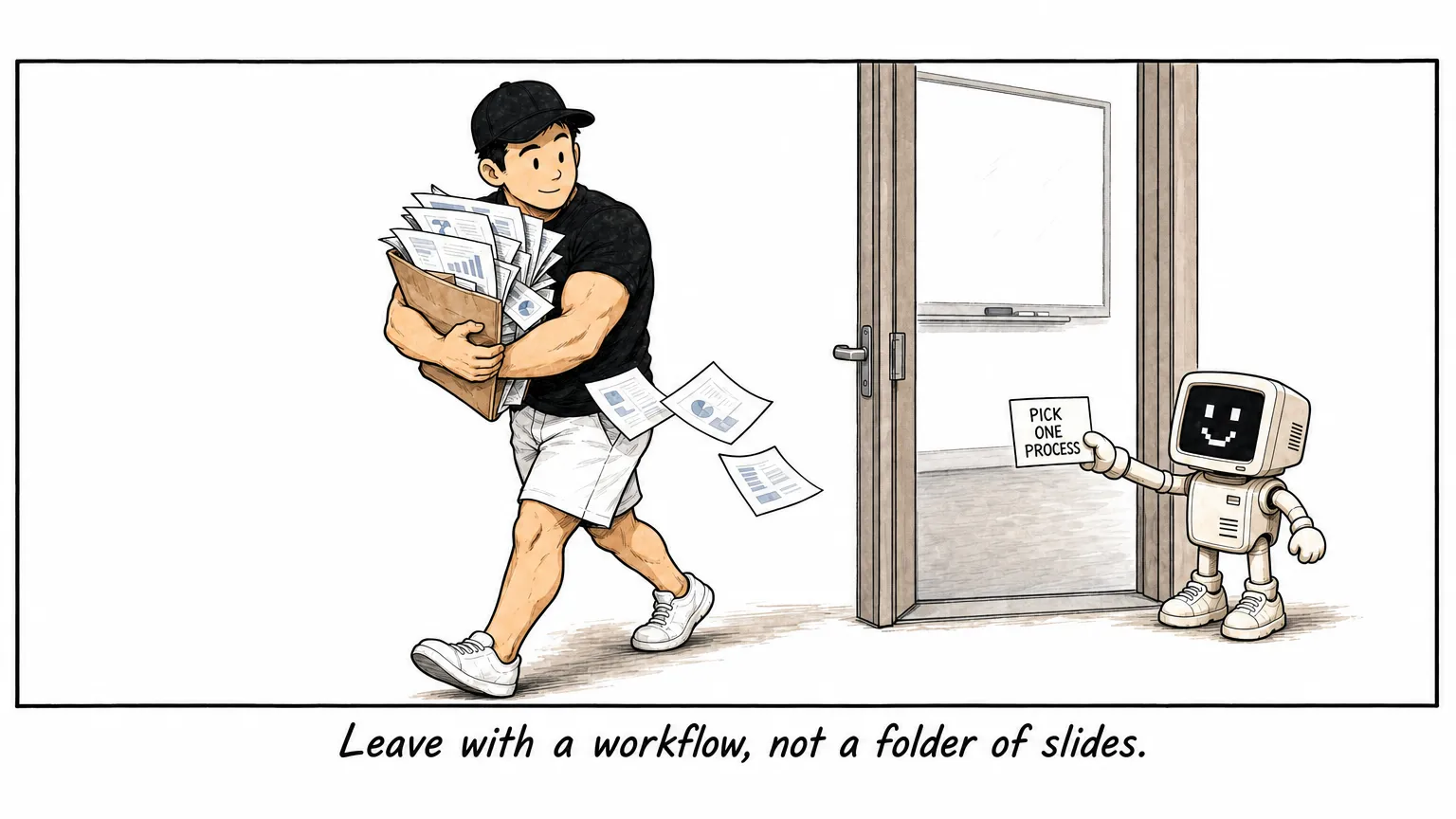
A two-day AI for Business course should do more than show your team what the tools can do.
It should help each participant take one repeated process and turn it into a workflow they can run again.
That is the standard I use when I design company training. A good workshop does not end with a folder of slides and a list of prompts. It ends with a working process, saved instructions, useful company context, and a clear next use.
The quick answer
A useful two-day course should cover five things:
- How to give AI a clear task.
- How to use it on common business files and messages.
- How to save a repeated task as a reusable workflow.
- How to give the workflow the right company context.
- How to test it on a real process and keep a person responsible for the final decision.
The exact tool can change. The learning sequence matters more. If the tool decision is still open, compare ChatGPT, Claude, Gemini and Codex for business training separately.
Day 1 should make the participant capable. Day 2 should turn that capability into one working business process.
Day 1 should build basic capability
Most teams have already tried an AI chat tool. That does not mean the team has a shared way of working.
The first day should close that gap.
1. Select one repeated process
Start with the work, not the software.
Each participant should write down one process they repeat. Good examples include preparing a quotation, turning meeting notes into actions, answering a common customer enquiry, compiling a weekly report, or creating an onboarding pack. These 15 practical AI workflow examples give more candidates by department.
The process needs a clear input and output. It should also be safe enough for the participant to review while learning.
This gives the course a concrete target. Every later exercise can improve the same process.
2. Learn how to give a clear task
Participants need a simple way to brief the AI.
I use five parts: role, context, task, format, and audience.
For example, “write a follow-up email” is too open. A better instruction names the customer situation, the relevant facts, the action needed, the required format, and the person receiving it.
This is not about finding a perfect prompt. It is about giving the tool enough information to produce work that can be checked.
3. Complete several small business tasks
Before building a full workflow, participants should see what the tool can do with the material they already handle.
Useful exercises include:
- Summarising a document into decisions and open questions.
- Rewriting a message for a specific customer or colleague.
- Comparing two versions of a policy or proposal.
- Cleaning and explaining a small spreadsheet.
- Turning notes into a short report.
These exercises build judgement. Participants see where AI is useful, where it makes assumptions, and what they still need to verify.
4. Save one repeated task as a workflow
A workflow is a repeatable set of instructions for a specific job.
It should say what input it expects, what steps to follow, what output to produce, and what the user must check. The participant should then test it on fresh material rather than the example used to create it.
Key takeaway: The second run is the test. It shows whether the workflow is reusable or whether the first result was a lucky one-off.
5. Add company context
Generic instructions produce generic work.
The workflow improves when it can use the company’s actual service information, customer profile, offer details, writing examples, policies, or reporting rules.
Participants should learn to organise this material into simple reusable context. They should also learn what information should not be uploaded and which files require approval.
The end of Day 1 should be concrete: the tool works, a process has been selected, one workflow has been saved, and the workflow has improved with relevant context.
Day 2 should turn the learning into a working process
The second day should not be a longer product demonstration.
It should help participants rerun what they built, explore the next useful capability, and complete a capstone on a real or realistic input.
1. Rerun the Day 1 workflow
Start by running the saved workflow again.
If participants cannot find it, feed it new input, or explain when to use it, the course needs to fix that before adding more complexity.
This recap also separates three parts of the system:
- The tool that performs the task.
- The workflow that holds the instructions.
- The company context that makes the result relevant.
2. Explore advanced options only when useful
Once the basic workflow works, participants can explore skills, connectors, plugins, or other tools that fit their process.
A connector lets an AI tool read from or work with another approved system. It can be useful, but it also introduces permission and data risks.
Start with read-only access or a human-reviewed step. A course should not reward automation for its own sake.
3. Build the capstone workflow
The capstone should take the largest block of Day 2.
Each participant or pair maps:
- The input.
- The decisions.
- The output.
- The points that need human judgement.
- The mechanical steps the tool can help with.
They then build the workflow, run it on a fresh input, inspect the result, fix failures, and demonstrate how it works.
Scheduling should be optional. It only makes sense when the process has a natural cadence and the output can be reviewed safely. When a process genuinely needs multi-step autonomy, that is agent territory; see what an AI agent course should teach business teams.
What should each participant leave with?
The final output should be easy to inspect.
Each participant or pair should leave with:
- One named business process.
- One saved workflow for that process.
- The context files the workflow needs.
- At least one test on real or realistic input.
- A list of checks a person must complete.
- An owner and date for the next use.
This is a stronger outcome than “the team understands AI better.” It shows what changed in the work, and it gives the company something to measure. The AI training ROI scorecard turns these outputs into a 30-day evidence trail.
Which processes work well in a course?
The best first process is repeated, useful, easy to test, and easy for a person to review.
Examples include:
- Proposal or quotation drafting.
- Meeting notes to actions.
- Weekly reporting.
- Customer enquiry responses.
- Invoice or payment follow-up drafts.
- Onboarding checklists and handover packs.
Avoid using a high-impact decision as the first project. AI can help organise evidence or draft an explanation, but a person should remain responsible for legal, financial, employment, safety, and final approval decisions.
Questions to ask a training provider
Before approving a course, ask:
- What will each participant build?
- Will participants use their own work material?
- How will company context be added and protected?
- Will the workflow be tested on fresh input?
- Which steps remain under human review?
- What does the participant keep after the course?
- How will the team decide the owner and next use?
If the answers are mostly about tool features, the course may improve awareness without changing a process. And if you are still comparing formats altogether, start with which type of AI course in Malaysia is right for you.
A practical course starts with the work
Two days is enough to build a useful foundation when the scope is clear.
Choose one repeated process. Teach the tool only when the next exercise needs it. Save the instructions. Add company context. Test the workflow on fresh input. Decide who will use it next.
That is how training becomes working capability. The timed version, block by block, is in what a two-day AI for Business agenda actually looks like. To see which foundation your team is missing before booking, take the AI readiness assessment.
See the AI Mastery for Business training programme if your team wants to build one tested workflow per participant or pair.
You can also read 15 practical AI workflow examples for business teams to choose a suitable first process.