A training needs analysis for AI skills answers three questions for each role: which repeated tasks take the most hours, what each person can do with AI today, and which data they may put into an AI tool. The worksheet below takes those answers and ranks the tasks to train first.
It is for HR and L&D teams planning AI training. You leave with a TNA you can print or open in Excel, and a one-paragraph training brief for your manager or a trainer.
I built it from the intake I run before my own classes, laid out for a whole team. I sell in-house AI training, so the closing box is an offer. The template works with any trainer.
- What a TNA for AI skills does
- Ranks tasks to train, by role
- The three questions
- Hours, AI level, data allowed
- What you need to start
- Your roles and what they repeat
- What you leave with
- A printable TNA, a CSV, a brief
Which tasks should your team train on first?
Train first on the frequent, time-heavy tasks that use data your team is allowed to put into AI. Pick your roles below, replace the example numbers with your own, and the worksheet ranks the tasks and writes the brief.
Which roles are you planning for?
Pick every role in scope. Each one loads three example tasks.
What does each role repeat?
Replace the example numbers with your own. Hours a month = runs × minutes × people ÷ 60.
Pick a role above and its tasks appear here.
HR and admin: repeated tasks
Finance: repeated tasks
Sales: repeated tasks
Marketing: repeated tasks
Operations: repeated tasks
Managers: repeated tasks
Another role: repeated tasks
Which AI level is each role at?
0 is not using AI yet. 4 is running AI agents with human review. The levels are explained further down.
Pick a role above to set its levels.
HR and admin: AI level
Finance: AI level
Sales: AI level
Marketing: AI level
Operations: AI level
Managers: AI level
Another role: AI level
Your TNA
Ranked by hours a month. A task that uses personal or confidential data waits for a data rule.
Showing the six example roles. Pick roles above to build your own.
Your numbers, from the tasks above
- 1Proposal or quotationSales · 12 a month × 45 min × 3 people27 h a monthTrain first
- 2Weekly campaign reportMarketing · 4 a month × 90 min × 2 people12 h a monthTrain first
- 3Weekly operations reportOperations · 4 a month × 90 min × 2 people12 h a monthTrain first
- 4Meeting notes to action listHR and admin · 8 a month × 30 min × 2 people8 h a monthTrain first
- 5Weekly sales reportSales · 4 a month × 60 min × 2 people8 h a monthTrain first
- 6Proposal for a client campaignMarketing · 4 a month × 120 min × 1 person8 h a monthTrain first
- 7Meeting notes to action listManagers · 12 a month × 30 min × 1 person6 h a monthTrain first
- 8Handover pack for a new projectOperations · 4 a month × 60 min × 1 person4 h a monthTrain first
- 9Proposal or quotation reviewManagers · 6 a month × 40 min × 1 person4 h a monthTrain first
- 10Meeting notes to action listFinance · 4 a month × 30 min × 1 person2 h a monthTrain first
- 11Customer enquiry replySales · 60 a month × 10 min × 3 people30 h a monthData rule first
- 12Customer enquiry replyMarketing · 40 a month × 8 min × 2 people10.7 h a monthData rule first
- 13Invoice or payment follow-upFinance · 20 a month × 15 min × 2 people10 h a monthData rule first
- 14Customer enquiry replyOperations · 30 a month × 10 min × 2 people10 h a monthData rule first
- 15Onboarding checklist for a new hireHR and admin · 3 a month × 120 min × 1 person6 h a monthData rule first
- 16Month-end report to managementFinance · 1 a month × 360 min × 1 person6 h a monthData rule first
- 17Weekly report to managementManagers · 4 a month × 90 min × 1 person6 h a monthData rule first
- 18Monthly HR reportHR and admin · 1 a month × 240 min × 1 person4 h a monthData rule first
- HR and admin1 Prompting only → 2 Workflow builder
- Finance1 Prompting only → 2 Workflow builder
- Sales1 Prompting only → 2 Workflow builder
- Marketing1 Prompting only → 2 Workflow builder
- Operations1 Prompting only → 2 Workflow builder
- Managers1 Prompting only → 2 Workflow builder
Goal: add the result this training should change. Who: HR and admin, Finance, Sales, Marketing, Operations and Managers. Build the training on proposal or quotation (Sales, 27 hours a month), weekly campaign report (Marketing, 12 hours a month) and weekly operations report (Operations, 12 hours a month). AI level now and target, on a 0 to 4 scale: HR and admin 1 to 2, Finance 1 to 2, Sales 1 to 2, Marketing 1 to 2, Operations 1 to 2 and Managers 1 to 2. Before these go into an AI tool, agree a data rule: customer enquiry reply, invoice or payment follow-up, onboarding checklist for a new hire, month-end report to management, weekly report to management and monthly HR report. Tools: name the AI tool and accounts the team will use.
Prefer paper? This is the same TNA as a blank table. Print it, or copy it into a spreadsheet.
| Role | Repeated task | Runs a month | Minutes a run | People | Data used | Hours a month | Train first or data rule first |
|---|---|---|---|---|---|---|---|
Hours a month is runs × minutes × people ÷ 60. A task that uses personal or confidential data goes behind a data rule, however many hours it takes.
What I would do: Fill in the worksheet with one manager per role before you send any form to staff. Their guesses show you which tasks to ask about.
What is a training needs analysis, and what changes for AI skills?
A training needs analysis (TNA) is the check HR runs before training to find the gap between what people can do and what their work needs, so the training covers that gap. Many HR teams also call it a training needs assessment. Where the two are separated, the assessment collects the data and the analysis decides the training. In Bahasa Malaysia it is analisis keperluan latihan.
A TNA usually runs at three levels: the organisation, the role and the person.
For AI skills, the role level does most of the work. AI changes how a task gets done, so ask about tasks, not job titles. Add the two things a generic competency template leaves out: each person’s current AI level, and the data each task uses.
If you want a company-wide view first, my AI readiness check asks 12 questions about your workflows, data access, team habits and policy. This template works one level down, on roles and tasks. It is also the first step of an AI upskilling plan for employees.
What are the five steps of a training needs analysis for AI skills?
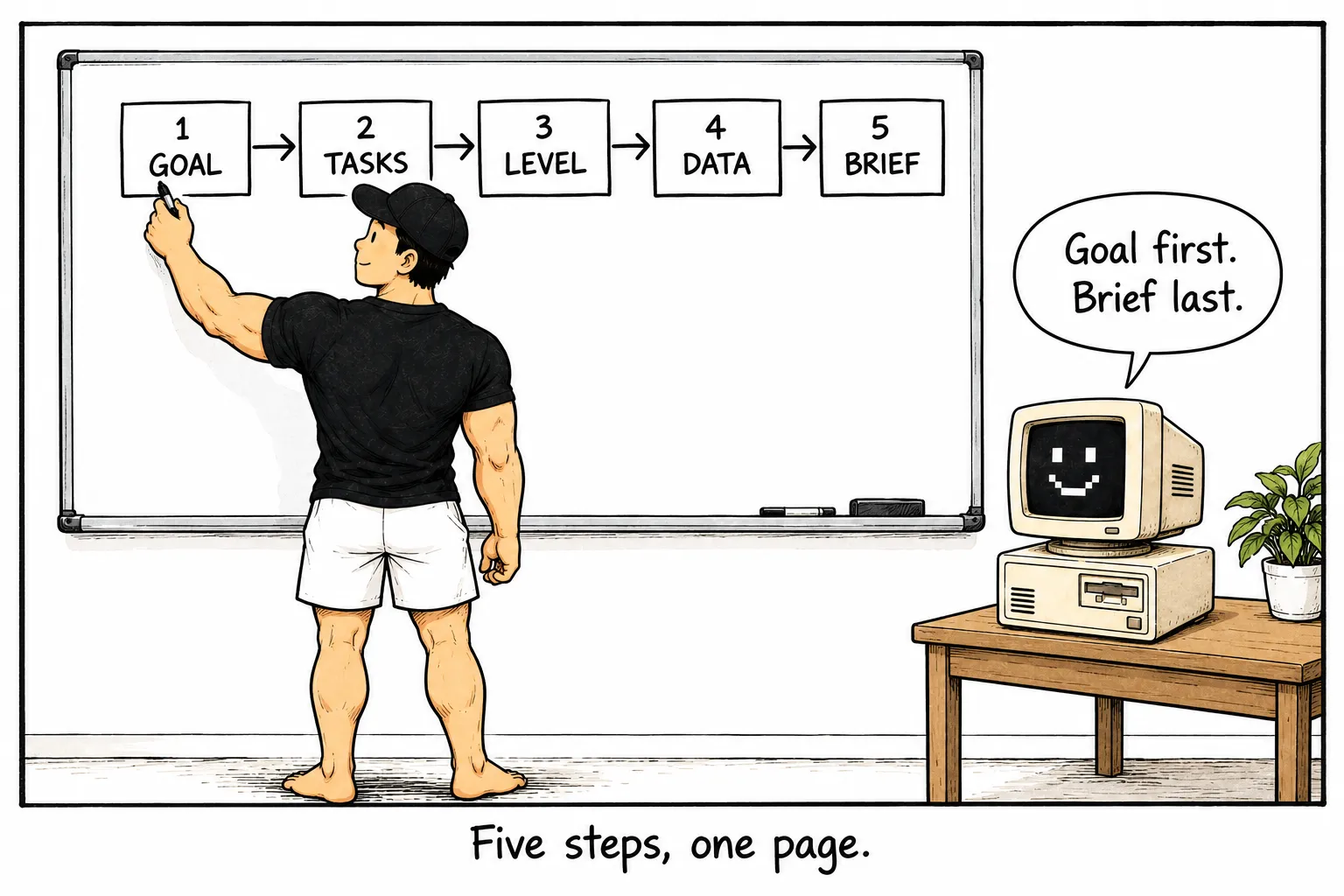
The five steps run from the business goal to a ranked list and a written brief.
- Step 1GoalThe result training should change
- Step 2TasksWhat each role repeats, and how long it takes
- Step 3LevelEach person on the 0 to 4 scale
- Step 4DataTools allowed, data each task uses
- Step 5BriefRank the tasks, write one paragraph
1. Set the business goal
Write the result the training should change in one sentence, such as faster month-end reporting or quicker replies to customer enquiries. The goal decides which roles are in scope.
2. List roles and their repeated tasks
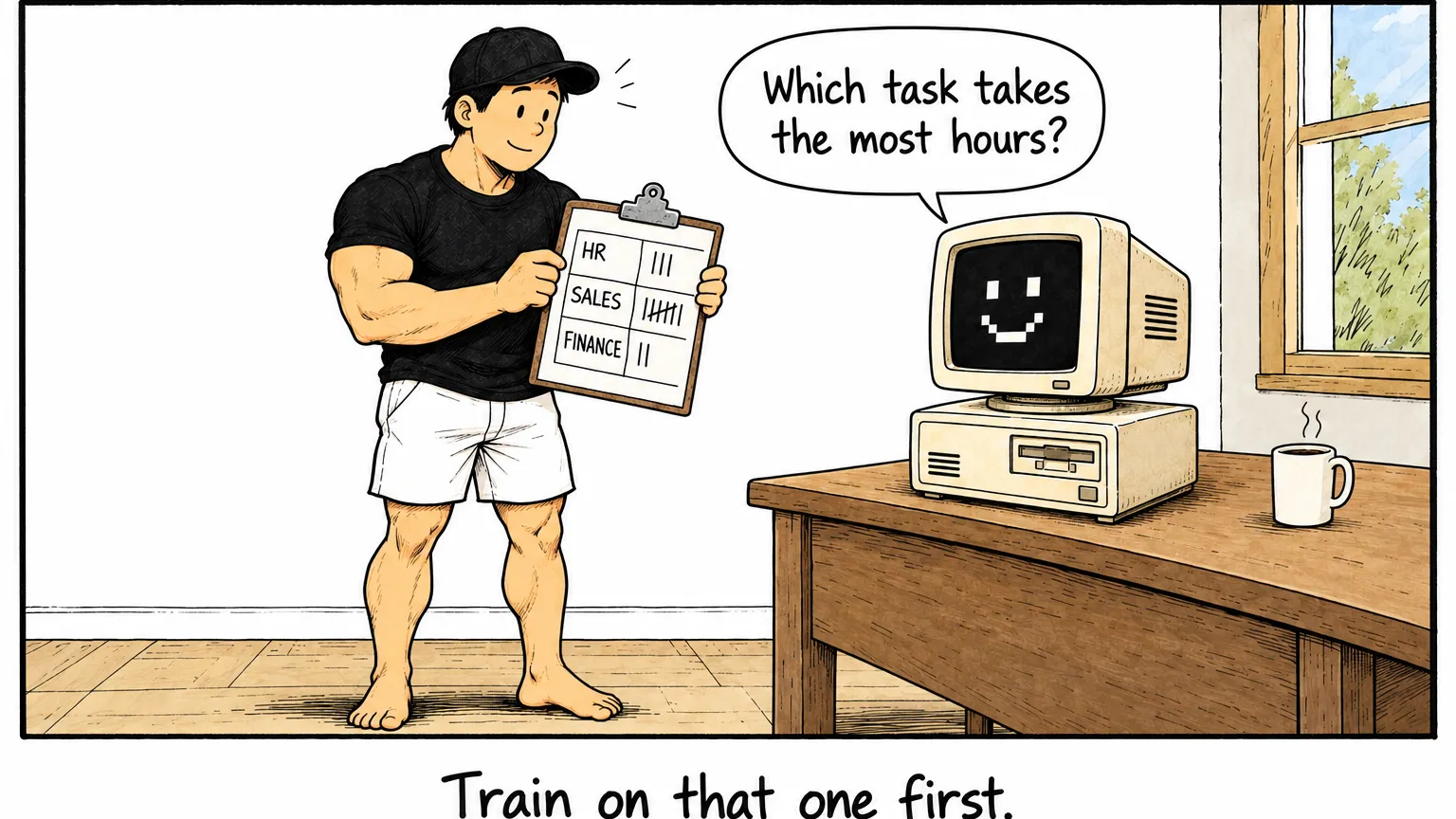
For each role, list the tasks people repeat every week or month, with how often, how long and how many people do each one. Before my classes, the pre-training checklist asks every participant for the same two facts about one task they repeat: how often they do it, and how many hours it takes each time.
3. Assess each person’s current AI level
Ask each person to place themselves on the 0 to 4 scale further down, then ask what they use AI for. The second answer checks the first.
4. Check data and tool access
Find out which AI tools are allowed on company devices, and which data each task uses. Ask IT for permission to install apps early. My checklist tells people to ask first, because IT may need a few days.
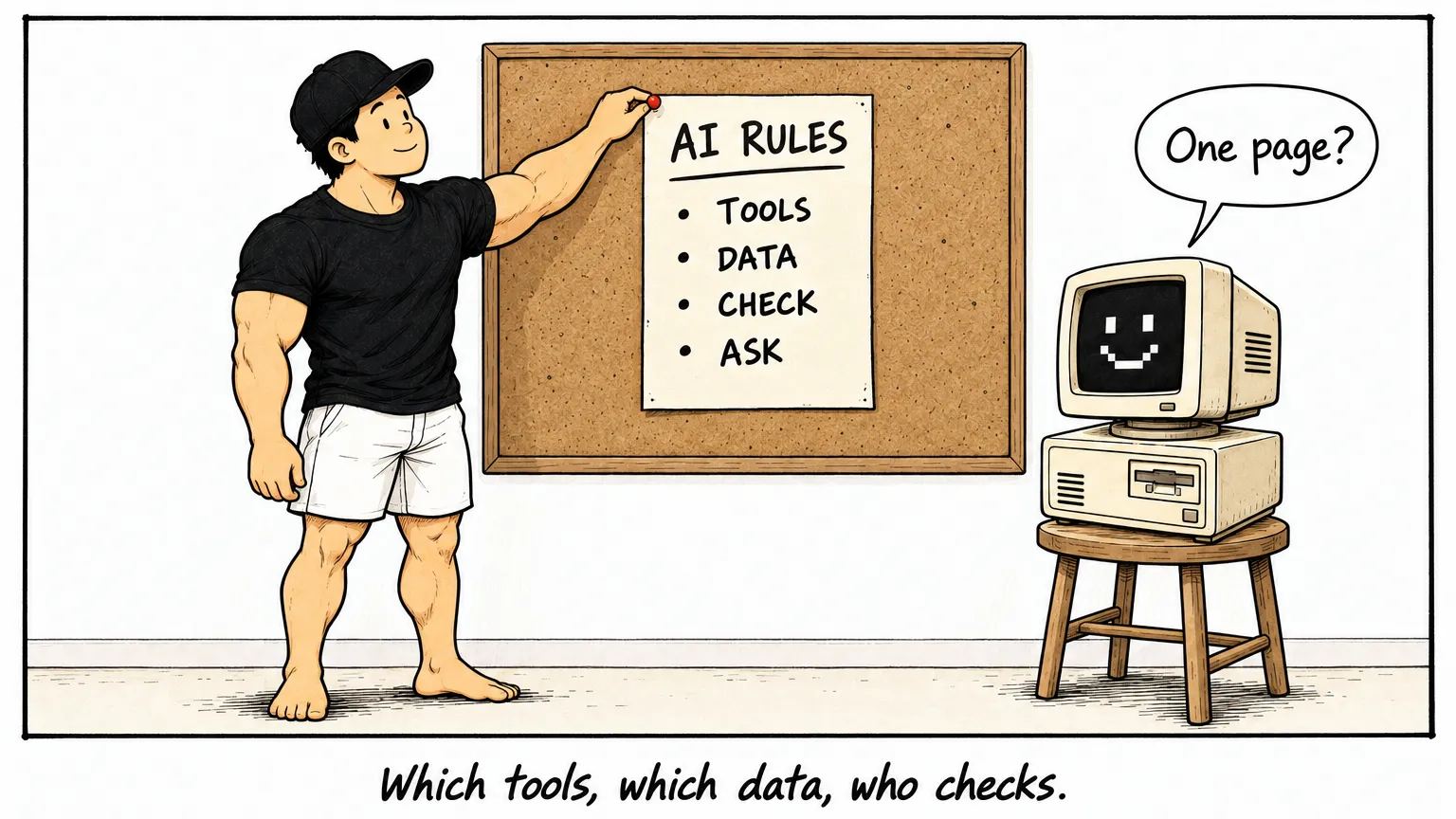
Your AI policy for employees should say which data may go into an AI tool. Tasks that touch staff or customer records also raise PDPA questions for HR.
5. Rank the tasks and write the brief
Rank the tasks by hours a month, then move any task that uses personal or confidential data behind a data rule. The top three that remain go into the training brief.
What should you ask employees in a training needs analysis?
Ask employees about their repeated work first, then their AI use, then the tools they can reach. The question bank I use has 29 questions in seven groups, written for a corporate client’s AI training. Below are the groups with sample questions. Tick the groups your form needs and the list keeps your ticks.
Each question in the bank has a form type, which keeps the answers easy to count. Use a paragraph field for pain points and repeated work, where you want the person’s own words. Use checkboxes for outputs, tools and where AI helps, and a single choice for how often they use AI and which level fits.
Put the work example question last. A yes tells you the training can use real material, and a no tells you to prepare samples.
How do you rate AI skill levels?
Rate AI skill on a five-level scale, from 0, not using AI yet, to 4, running AI agents with human review. Each level describes what a person does with AI, so people can place themselves without a test.
| Level | What the person does with AI |
|---|---|
| 0, not using AI yet | Not really using AI for work |
| 1, prompting only | Asks AI to summarise, draft, brainstorm or answer questions |
| 2, workflow builder | Uses AI in repeatable workflows, such as reports, decks, checks or regular tasks |
| 3, system builder | Builds or uses multi-step systems, automations, shared knowledge bases or connected workflows |
| 4, agentic operator | Uses AI agents that plan, use tools, revise and finish multi-step tasks, with a person reviewing |
The scale follows my four stages of AI maturity, with a level 0 for people who have not started. Self-ratings drift, so add one follow-up for anyone who picks level 2 or above: what workflow, system or agent are you using or building? If they cannot name one, rate them level 1.
For most people, set the target one level above today. In AI Mastery for Business, every participant leaves with one tested workflow, which is level 2 on this scale. Keep level 3 and 4 targets for the few people who will build systems for others.
What does a finished AI skills TNA look like?
A finished AI skills TNA is a ranked list of tasks with hours a month, a data flag on each, and a level gap per role. Here is one for an illustrative team of 10 in sales, operations and finance, with four tasks.
| Task | Runs a month × minutes × people | Hours a month | Data used | Flag |
|---|---|---|---|---|
| Customer enquiry replies | 60 × 10 × 4 | 40 | Personal data | Data rule first |
| Meeting notes to actions | 8 × 30 × 5 | 20 | Internal | Train first |
| Weekly sales report | 4 × 90 × 3 | 18 | Internal | Train first |
| Invoice follow-up | 20 × 15 × 2 | 10 | Personal data | Data rule first |
The biggest task, enquiry replies at 40 hours a month, uses customer names and contact details, so it waits for a data rule. Training starts on meeting notes at 20 hours and the weekly report at 18, which use internal data only. Together the four tasks take 88 hours a month, and the two trained first account for 38 of them.
The team sits mostly at level 1, with a target of level 2. Its brief reads like this:
Goal: cut the time the team spends on meeting follow-ups and weekly reporting. Who: sales, operations and finance, 10 people. Build the training on meeting notes to actions (20 hours a month) and the weekly sales report (18 hours a month). AI level: mostly 1 now, target 2. Before customer enquiry replies and invoice follow-ups go into an AI tool, agree a data rule. Tools: the AI tool and accounts the team will use.
A manager can approve that in one read, because it names the hours and the risk.
What a needs analysis changed in a recent class
In a recent in-house class we ran, a training partner did the needs analysis. It came back from seven completed forms and set the class at seven people, against an outline written for 11 to 15. The budget, fixed at two standard ChatGPT seats, set the tool plan for the day. The outline alone would have planned the day for up to 15.
How do you turn a TNA into a training brief and an HRD Corp application?
Turn a TNA into a training brief by putting five things into one paragraph. The worksheet writes it for you:
- The goal: the result the training should change.
- Who attends: the roles in scope and how many people.
- The first three tasks, with hours a month.
- The AI level now and the target, per role.
- The tools and data allowed.
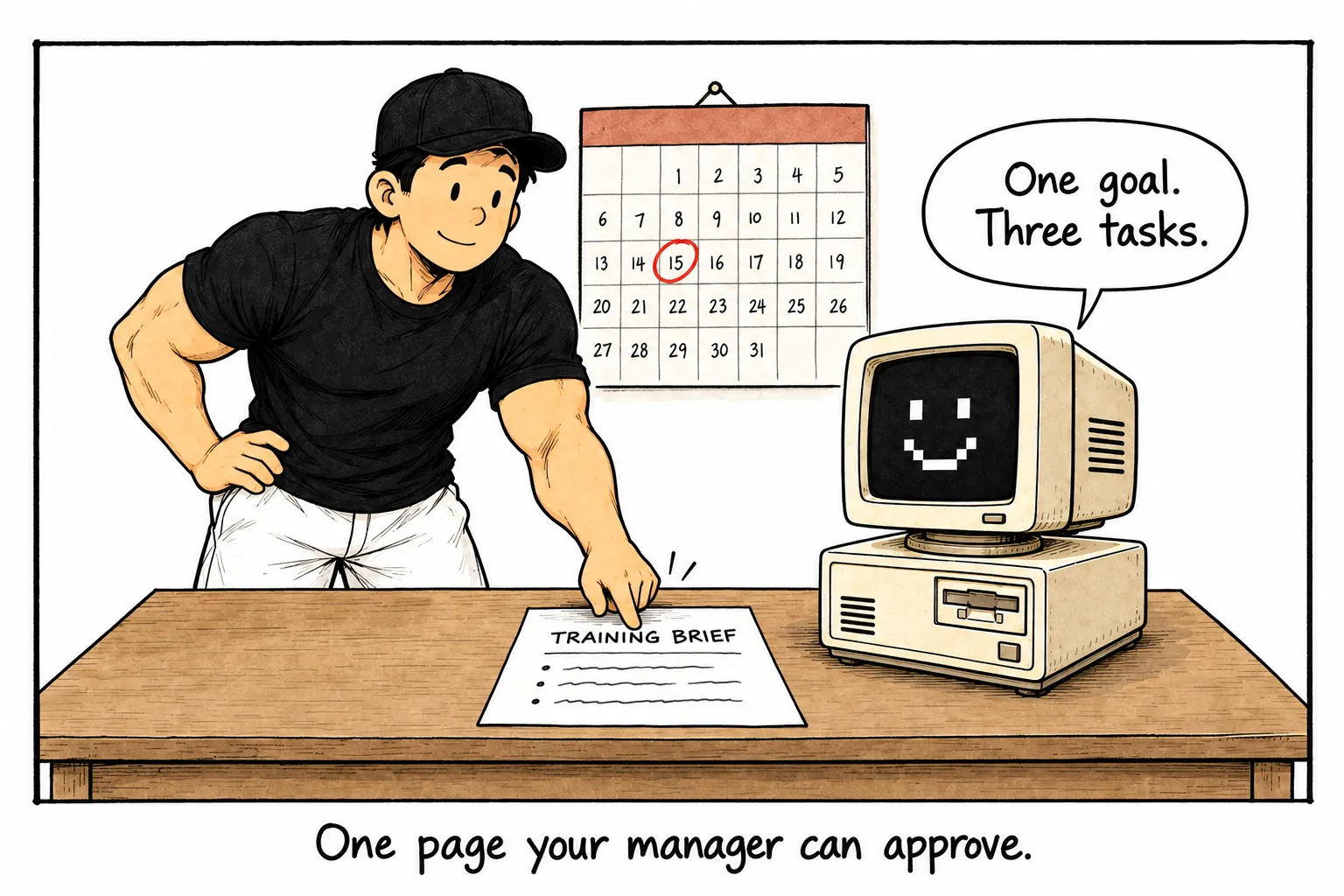
Send the brief to each trainer you are comparing and ask how the course uses those tasks. My list of questions to ask an AI trainer covers the rest.
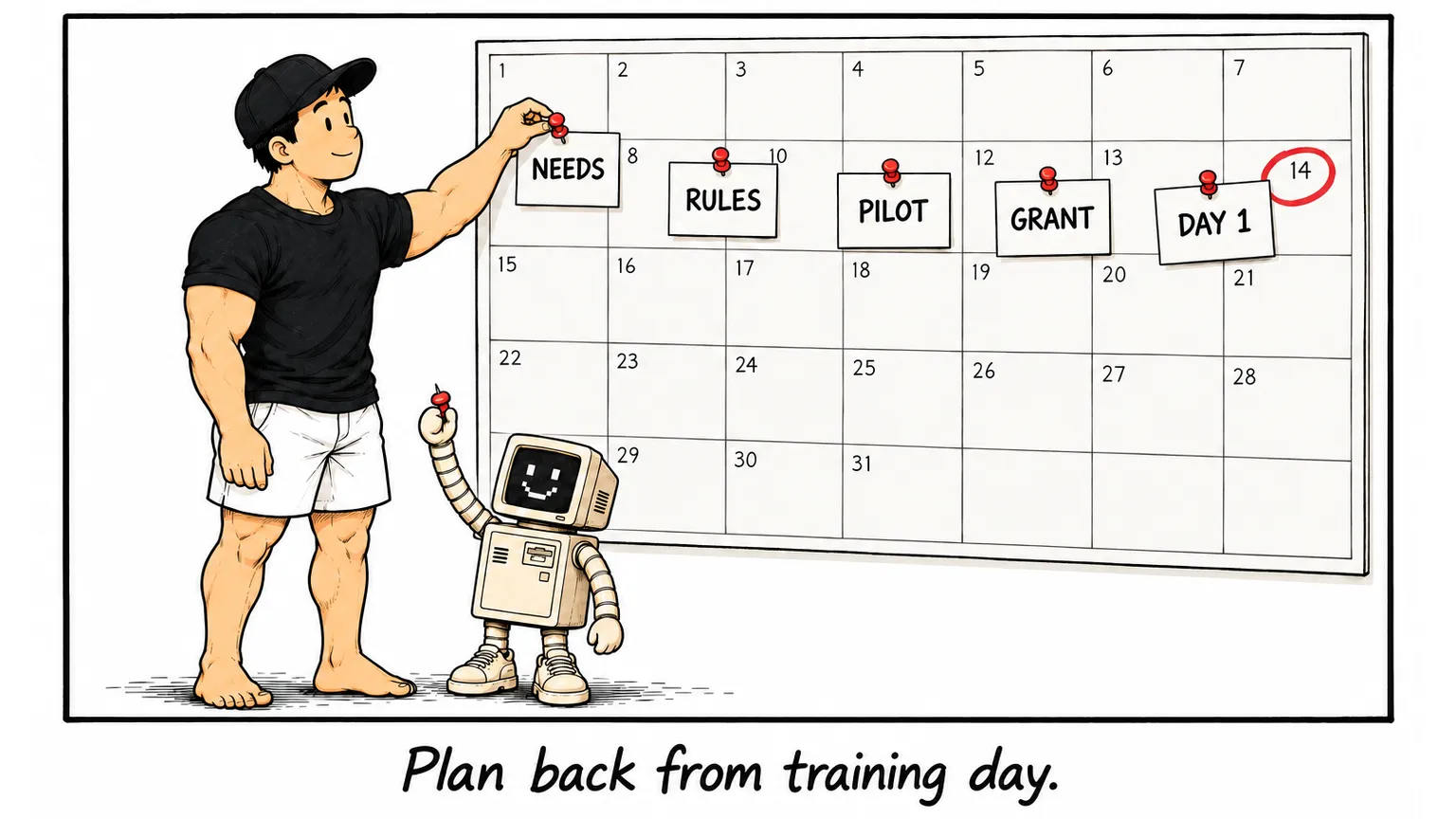
If your company pays the HRD Corp levy, lock the training details before you apply. For in-house HRD Corp Claimable Courses, the grant application goes in at least 14 calendar days before training starts, with an invoice or quotation, the trainer profile and the schedule or course content. My guide to claiming HRD Corp for in-house AI training covers the other rules.
- FirstTNAForms back, tasks ranked
- NextBrief and quotationTrainer, schedule and content agreed
- 14+ days beforeGrant applicationQuotation, trainer profile, schedule
- Training dayTrainingBuilt on the tasks you ranked
Keep the TNA after training. The same tasks and hours become your baseline when you start measuring AI training ROI.
Questions about training needs analysis
Is there an HRD Corp grant for a training needs analysis?
No current scheme. HRD Corp repealed its Training Needs Analysis Consultancy Scheme for SMEs in Employer’s Circular No. 8/2018. Old TNA forms still appear on HRD Corp’s forms page, so check with HRD Corp before relying on one. The training you plan from the TNA can still be claimable.
What is the difference between a training needs analysis and a training needs assessment?
In most HR teams, none. The terms are used for the same work. Where they are separated, the assessment collects the data and the analysis decides the training.
Can AI help write a training needs analysis?
Yes, for the summary. Export the form answers to a spreadsheet and ask your AI tool to group the pain points into a trainer brief. Check every count against the sheet before you send it. The needs analysis for the class above reached us as a trainer brief built from seven forms.
Is there a training needs analysis template in Excel?
Yes. The worksheet above downloads as a CSV file that opens in Excel and Google Sheets, with your roles, tasks, hours, flags and brief. The blank table under it prints as it is.
References
Show all 4 sources
Sources checked 24 Oct 2026. The question bank, the AI level scale, the pre-training checklist and the class details come from JWT & Co's own training records. The client stays unnamed.
- HRD Corp: Claimable Courses grant helper (PDF), v2026, page 2. In-house grant applications at least 14 calendar days before training, with invoice or quotation, trainer profile and schedule or course content.
- HRD Corp: Circulars. Lists Circular No. 8/2018, Repeal of Training Needs Analysis (TNA) Consultancy Scheme for Small and Medium Enterprises (SMEs).
- HRD Corp: Employer’s Circular No. 8/2018 (PDF, scanned). The repeal of the SME TNA Consultancy Scheme.
- HRD Corp: Forms. Still lists the old SME TNA Consultancy Scheme forms.