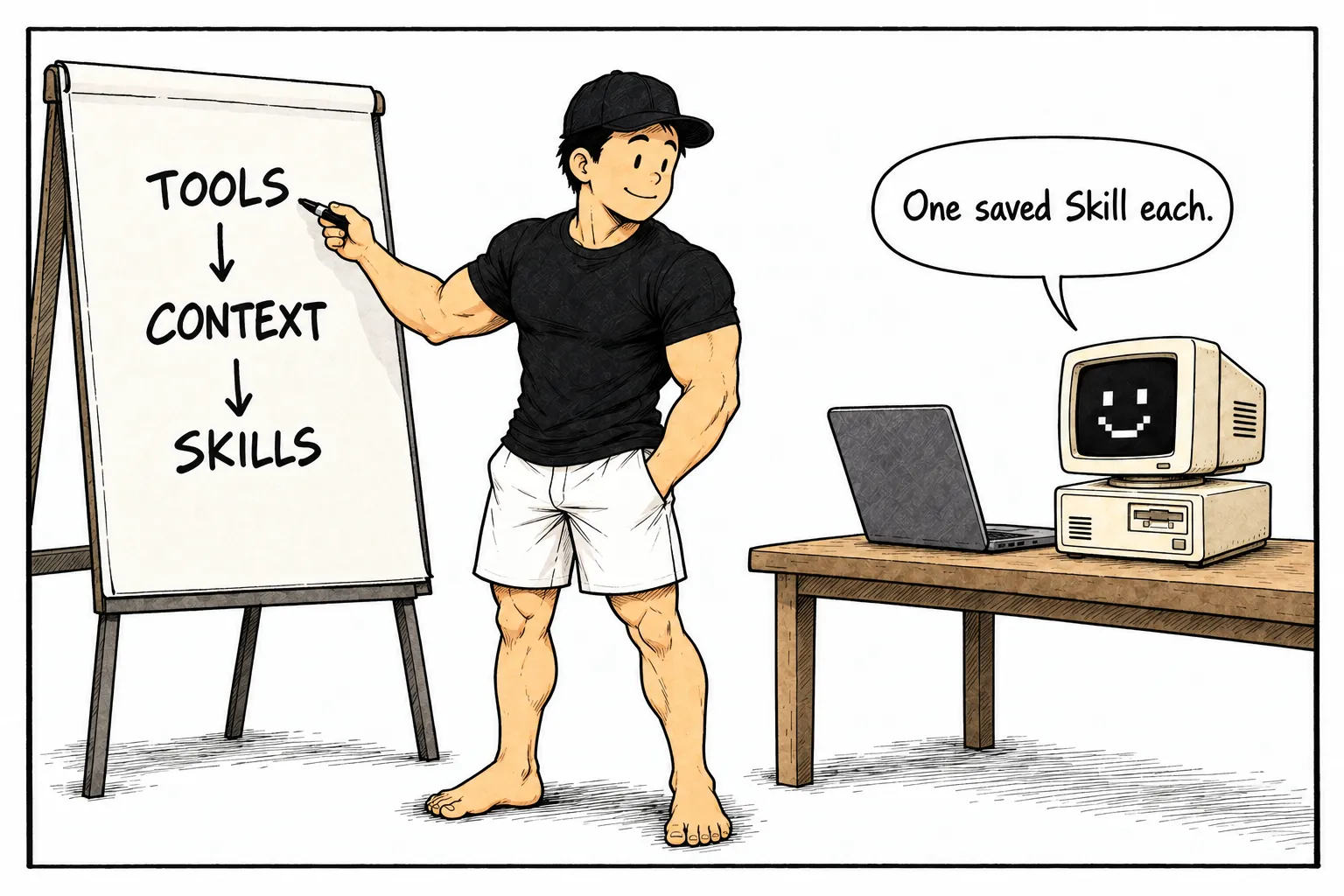
Claude AI training for a business team is worth paying for when the team leaves with Claude set up on its own work. That means accounts that sign in, company context loaded, and one saved Skill per person: a set of instructions Claude reuses on next week’s tasks.
Anthropic already teaches the product for free on Claude Academy. A paid course should spend its time on what a self-paced course cannot reach: your plan’s settings and your own files.
I run my own business on Claude and Codex, and I teach AI Mastery for Business in Malaysia, so I sell what this guide describes. It sets out what I would check before paying anyone to train a team on Claude, me included.
Checked 23 Oct 2026 against Anthropic’s pricing page and help centre.
- Free option
- Claude Academy, 27 self-paced courses
- Plan for shared Projects and Skills
- Team, from US$20 a seat, 2 seats minimum
- HRD Corp lead time
- About three weeks before an in-house date
- The test
- What still runs a month later
What can a Claude course set up on your plan?
A Claude course can set up Projects, Skills and connectors, which link Claude to tools such as Google Drive, on any plan, Free included. Paid plans add Cowork, where Claude works through a task across your files and tools. Sharing Projects and Skills across a team needs Team or Enterprise, where the owner, whoever manages your company’s Claude account, controls the settings.
Pick your plan and its card moves to the top of this chapter, with a checklist for before day one.
Which Claude plan is your team on?
Pick more than one if people are on different plans.
Your setup
Tick what applies. The checklist below updates.
Pick a plan above and the setup questions appear here.
Your company setup
Tick what applies
Your Claude course
0 of 0 plan cards apply to you
The checklist, plan table and plan cards below cover every Claude plan.
Figures for your plan
| Feature | Free | Pro or Max | Team | Enterprise |
|---|---|---|---|---|
| Price | US$0 | US$17 a person. Max from US$100 | US$20 a seat, 2 to 150 seats | US$20 a seat plus usage, 20 seats minimum |
| Projects | Up to 5 | Yes | Yes, shared with colleagues | Yes, shared with colleagues |
| Skills | Yes | Yes | Yes, shared with colleagues | Yes, shared with colleagues or groups |
| Connectors | Yes, plus one custom | Yes | Yes, owner enables each | Yes, owner enables each |
| Cowork | No | Yes, merging into chat | Yes, on by default | Yes, on by default |
| Claude Code | No | Yes | Yes | Yes |
| Model training on your content | You can opt out | You can opt out | Off by default | Off by default |
| Single sign-on and admin | No | No | SSO, central admin | SSO, SCIM, audit logs |
Free: enough to learn the method
Projects and Skills work. Cowork and Claude Code do not
Free covers chat, up to five Projects, Skills and connectors, plus one custom connector. Claude Code, Anthropic’s coding tool, is not included, and Cowork is for paid plans.
I planned the Claude session of a free public workshop I co-hosted in April 2026 around the Free plan, and attendees installed two Skills I had written. Free is enough to learn how Skills work.
It stops being enough when people need to share what they build, or when company files go in, because on Free each person controls whether their chats are used for model training.
Sources: Claude pricing; Projects; connectors; Cowork
Pro or Max: everything for one person
From US$17 a month. Nothing is shared between accounts
Pro costs US$17 a month billed annually, or US$20 billed monthly. Max starts at US$100 a month for heavier use. Both include Claude Code, Projects, Skills and connectors.
Cowork is on every paid plan. Since 16 September 2026, Anthropic has been merging Cowork and chat into one Claude, starting with Pro and Max. With the screens changing, a course on these plans should teach what each task needs, so it still holds after an update.
Each account stands alone. To give the team a Skill built in the room, each person uploads it as a ZIP file.
Sources: Claude pricing; Cowork and chat are now one Claude; Use skills in Claude
Team: shared Projects and shared Skills
From US$20 a seat, 2 to 150 seats
Team Standard costs US$20 a seat a month billed annually, or US$25 monthly. Premium seats cost US$100, or US$125 monthly. Team includes Claude Code, Cowork and single sign-on, and model training on your content is off by default.
This is the plan where a course can leave shared work behind:
- Projects can be shared with colleagues to view or edit.
- Sharing a Skill with named colleagues is on by default. Sharing with the whole organisation stays off until an owner turns it on.
- An owner enables each connector, such as Google Drive, Gmail, Microsoft 365 or Slack. Each person then signs in to it.
- Cowork is on by default, and an owner can turn it off.
Sort these with your owner before day one, or the first hour goes on settings.
Sources: Team plan; Claude pricing; Use skills in Claude; connectors; Projects; Cowork
Enterprise: Team plus the controls IT asks for
US$20 a seat plus usage, 20 seats minimum
Enterprise costs US$20 a seat a month, billed annually, with a 20-seat minimum. Usage is billed on top and scales with the model and the task.
It adds automatic account setup from your company directory (SCIM), audit logs and custom data retention to what Team has. Skills can be shared with groups, and an owner must check that code execution and Skills are both switched on.
On Enterprise, the merged chat and Cowork is a beta that an admin turns on. Your admin may want Claude Academy’s 2.5-hour course, Deploying Claude Enterprise with confidence, before the team course.
Sources: Claude pricing; Use skills in Claude; Cowork; Claude Academy
Not on Claude yet: choose the tool first
Train on the tool your company will pay for
Settle the tool before you book a course. If your company already pays for ChatGPT, Copilot or Claude, train on that one.
My comparison of ChatGPT, Claude, Gemini and Copilot for teams covers what each does well. The guide to choosing a tool for business training covers how to decide.
My own course runs on one tool per session, agreed with you beforehand: Claude, ChatGPT and Codex, or Copilot. Once the tool is set, the checklist above takes each person about 30 minutes before day one.
What should a Claude course for a business team cover?
A Claude course for a business team should move from tools, to company context, to Skills, then to one build each person demos. It is the shape of my two-day AI Mastery for Business agenda, run on Claude.
1. Get everyone signed in
Get Claude working on every laptop in the first hour, on the plan the team will keep using. Logins a trainer lends you stop working after the course.
2. Load company context once
Write the company’s voice, rules and offer facts into a Project, so nobody pastes the same background twice. On Team, share that Project with everyone who needs it.
3. Turn one repeated task into a Skill
A Skill is a folder with a SKILL.md file of instructions that Claude loads when the task comes up. Each person builds one for the task they brought, then tests it on fresh input until it holds.
At its core a Skill is one text file, which is why this part is less scary than it looks. At that April workshop, 12 of 24 survey respondents named Skills as what they took away.
Skills follow an open standard published at agentskills.io, and ChatGPT and Codex build on it too, so a Skill can move with the team if the company changes tools.
4. Connect one workplace tool, on safe data
Show one connector, such as Google Drive or Microsoft 365, on files that are safe to use, with a person approving before anything is sent.
Core systems are different. In July 2026 I scoped training for a 37-person team whose core data sat in an ERP, seller centres and internal portals. My advice was to keep connectors out of the core course and work from approved exports.
5. Build and demo one thing
On day two, each person or table builds a Skill or a small app for a problem they have, runs it on their own input, fixes what breaks, and demos it in three to four minutes.
Keep the build small. I built an app once using Claude Code. It looked great in preview. I couldn’t ship it, because I didn’t understand the deployment. For a business team, a Skill that runs on Monday’s work is the better first build.
6. Leave with an owner and a date
Close with each person’s first use at work, an owner for each Skill, and the date it next runs.
What does Claude Academy already teach for free?
Claude Academy, Anthropic’s free course site, teaches the product through 27 self-paced courses. They run from 45 minutes to 9 hours, and 15 of the 27 give a completion badge.
Hours per course
Three free Academy courses: 6 hours. A two-day course: 14 hours

| Claude Academy | A company course | |
|---|---|---|
| Cost | Free | Paid, claimable if registered |
| Format | Self-paced, alone | In a room, with a trainer |
| Product features | Each product in turn | Only what the work needs |
| Your plan’s settings | General, plus an Enterprise rollout course | Set up with your owner |
| Your own tasks | Up to you | Each person brings one |
| One saved Skill | Teaches the idea | Each person builds and tests one |
What I would do: Send the team through Claude 101 before day one. It is free, takes 2.5 hours, and leaves the paid days for your own work.
In-house or public class: which suits your team?
In-house Claude training runs on your plan and your files, and suits a team of six or more. A public class mixes companies, so it suits a few people trying the idea before a team booking.
| Public class | In-house | |
|---|---|---|
| Who is in the room | People from several companies | Only your team |
| Claude accounts | Each person’s own | Your company plan |
| Files you can use | Safe samples each person brings | Your approved files and exports |
| HRD Corp ceiling | RM1,750 a participant a day | RM10,500 a group a day |
| Apply at least | 3 days before, until 31 Dec 2026 | 14 days before |
| Suits | Fewer than six people | Six or more |
The in-house ceiling is per group, so above six people, in-house works out cheaper per head when both are priced at their ceilings. At six, they match. My AI training cost guide shows the arithmetic. The comparison of AI course types in Malaysia covers academic programmes and vendor certifications too.
I run in-house sessions at your office anywhere in Malaysia. Public classes are on a waitlist.
Is Claude training HRD Corp claimable?
Claude training is HRD Corp claimable when a registered provider runs a course registered with HRD Corp, your company pays the levy and has enough balance, and the grant is approved before training starts. HRD Corp evaluates each application, so nobody can promise approval.
Two things to get right:
- Ask the provider for the registered course title. The grant uses the title HRD Corp approved, which can differ from the name a provider markets.
- Answer any HRD Corp query within five days, or the application expires and is rejected.
JWT. is an HRD Corp registered training provider, and I am an HRD Corp accredited trainer. My guide to claiming HRD Corp for AI training walks through the documents and dates.
What should you ask a Claude training provider?
Ask a Claude training provider these six questions before you book. A good answer is short and specific.
| Ask | A good answer |
|---|---|
| Will it run on our Claude plan? | Yes, on your own accounts, set up before day one |
| What will each person have saved? | One tested Skill, and company context in a Project |
| Which connector, on what data? | One, on safe files, after your owner enables it |
| What happens in week two? | A booked follow-up on what broke |
| What is the registered course title? | The exact title on the HRD Corp approval |
| How do you handle Claude’s changes? | Teaches the task, so a moved button changes little |
What should still be running a month later?
A month after a Claude course, each Skill built in the room should still run on weekly work, with an owner who fixes it. Judge the course by what still runs, not by how many features it showed.
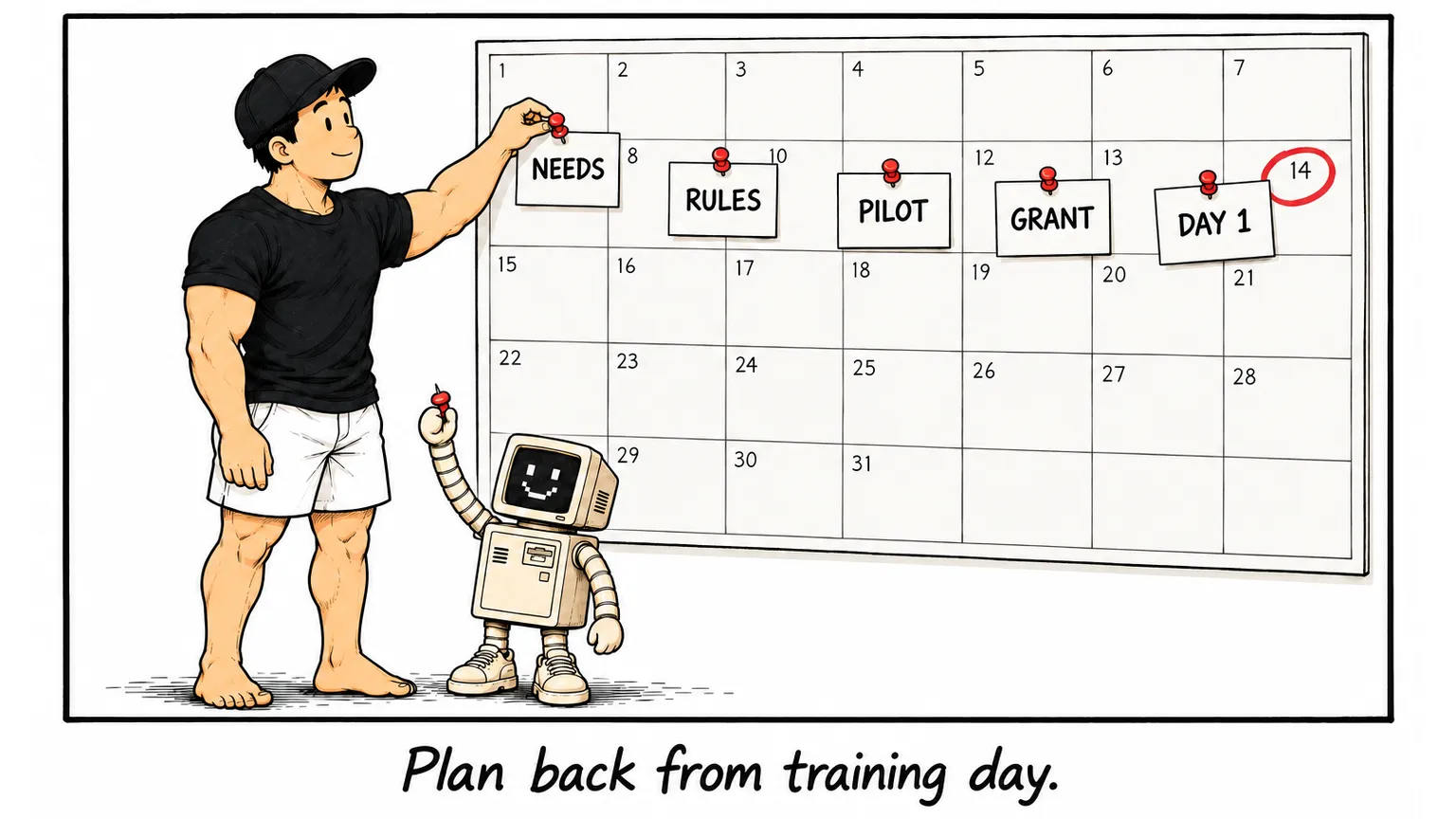
- Days 1 and 2The courseAccounts, context, one Skill each, a demo
- Week 2Follow-upOne to two hours on what broke
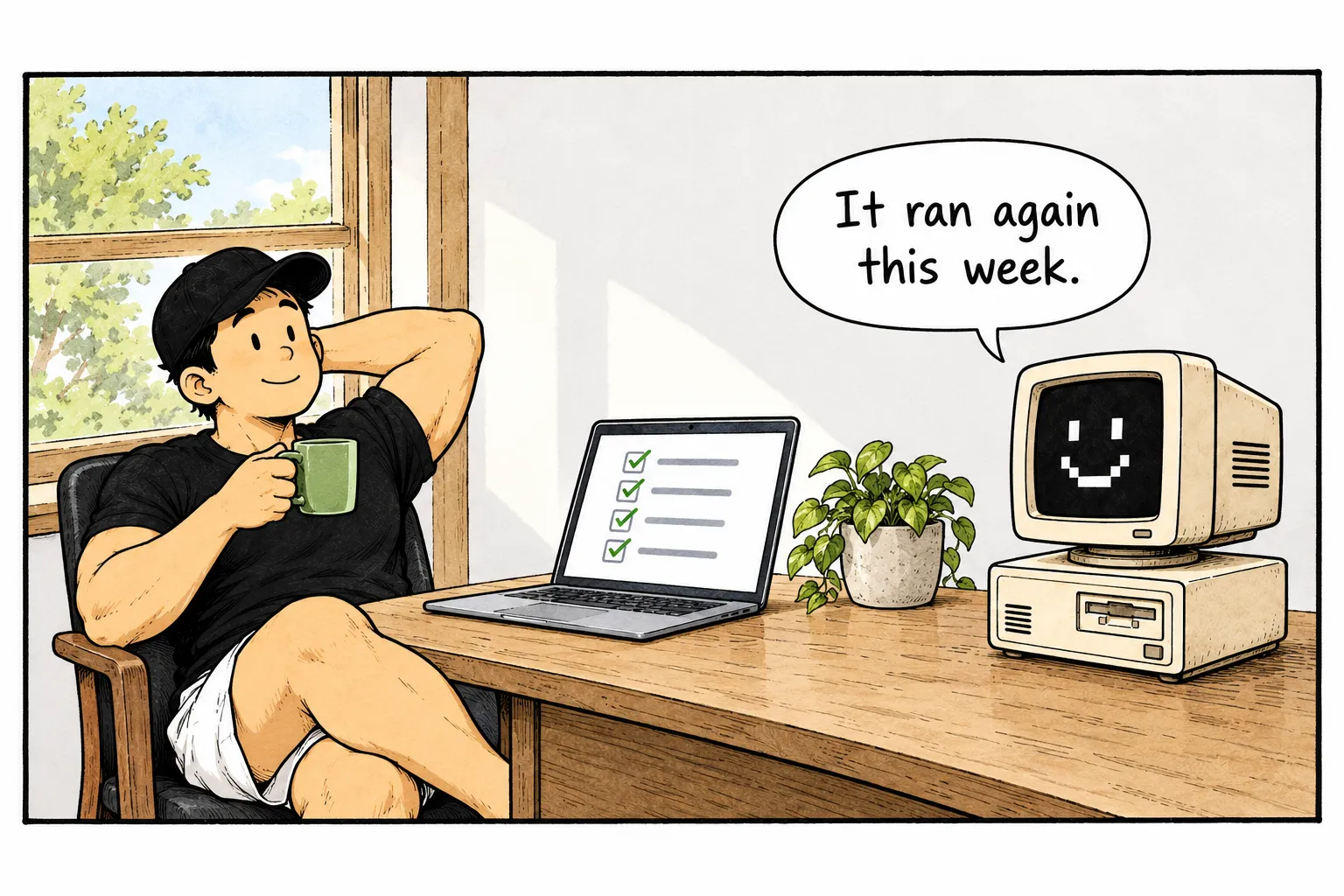
- Week 4The checkEach Skill ran on this week's work
- OngoingUpdatesSkills change when the work does
Four signs the course worked:
- Each person uses Claude for at least one weekly task.
- Each Skill has an owner who fixes it when the output drifts.
- Company context sits in one place, a shared Project or file, and people use it.
- The team knows which data may go into Claude and which stays out.
What I would do: Book the week-two follow-up before the course starts. That is when Skills meet a new week of input and need their first fix.
References
Show all 16 sources
All sources checked 23 Oct 2026.
- Claude Academy: Courses. The 27 courses and their lengths, including Claude 101, Introduction to Claude Cowork, Introduction to agent skills and Deploying Claude Enterprise with confidence.
- Claude: Pricing. Plan prices, Team seat range, Enterprise minimum and usage billing, the Free Projects limit, Claude Code, connectors, Skills, SSO and model training defaults.
- Claude: Cowork and chat are now one Claude, 16 Sep 2026. The merge and its rollout to Pro and Max.
- Claude: Cowork. What Cowork does: Claude works through a task across your files and tools.
- Claude Help Center: What is the Team plan? Team features, connectors and the two-member minimum.
- Claude Help Center: Use skills in Claude, updated 22 Sep 2026. Plans, code execution, ZIP upload, sharing defaults and the Enterprise owner check.
- Claude Help Center: What are skills? Skills as an open standard.
- Agent Skills. The open standard: a Skill is a folder with a SKILL.md file.
- ChatGPT: Build skills. Skills in ChatGPT and Codex build on the same open standard.
- Claude Help Center: Use Claude Cowork on Team and Enterprise plans. Paid plans only, on by default, owner can turn it off, and the merged chat and Cowork as an Enterprise beta.
- Claude Help Center: Use connectors. Owner enables each connector, each person signs in, one custom connector on Free.
- Claude Help Center: What are projects? Five Projects on Free, sharing on Team and Enterprise.
- Claude Help Center: Set up the Microsoft 365 connector. A Microsoft Entra Global Administrator authorises it first.
- HRD Corp: Claimable Courses. Approval before training, and the 90-day start window.
- HRD Corp: Claimable Courses grant helper (PDF), 27 Aug 2026. Apply at least 14 days before in-house training, and three days before public training to 31 Dec 2026.
- HRD Corp: Query grant helper (PDF). Five calendar days to answer a query, or the application is rejected.